
Work does not always happen at a desk. Coalesce360 mobile access helps teams review updates, capture notes, check assignments, respond to tickets, and approve operational work while staying connected to the same platform data.
The mobile app is designed to support the workflows that need fast action: customer follow-up, delivery updates, support issues, management visibility, and production-change approvals.
See the mobile app
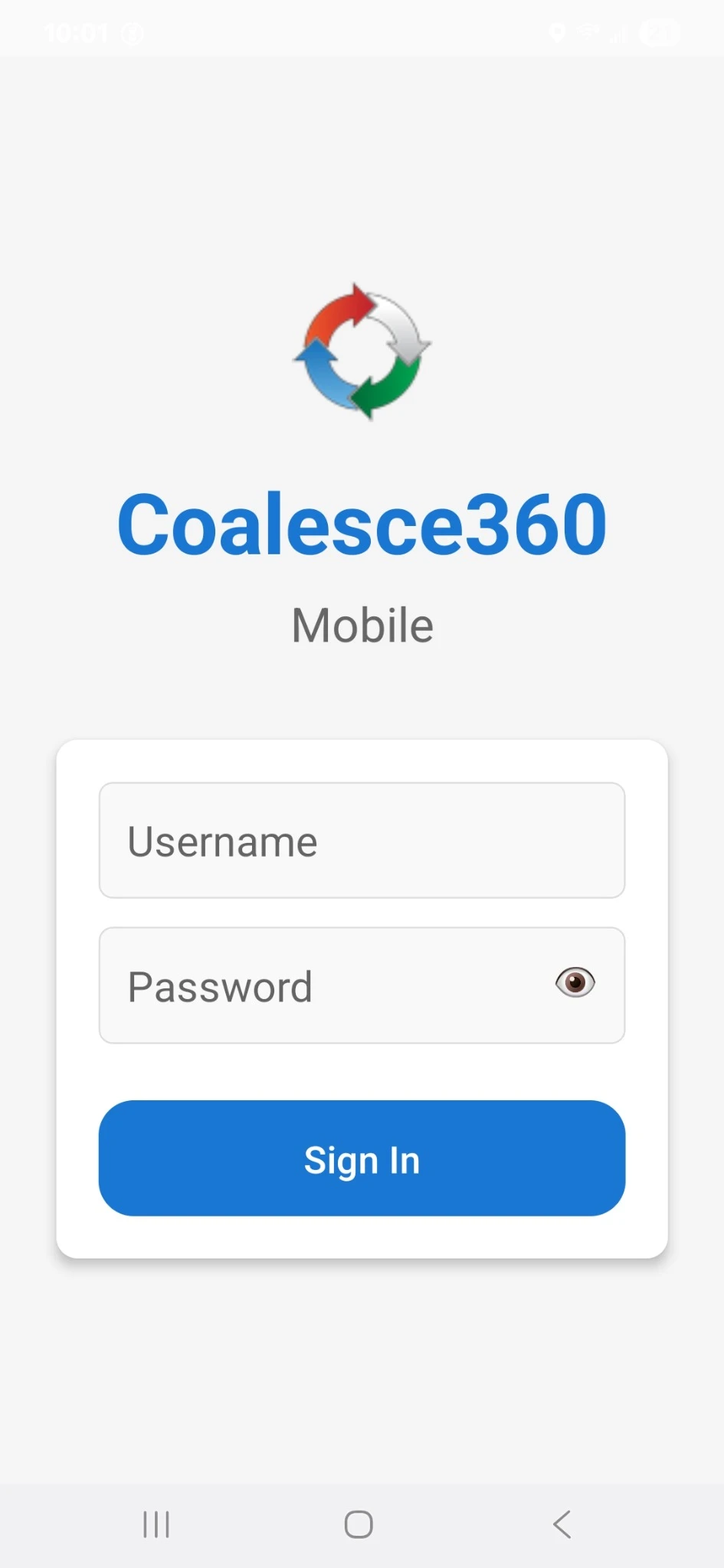
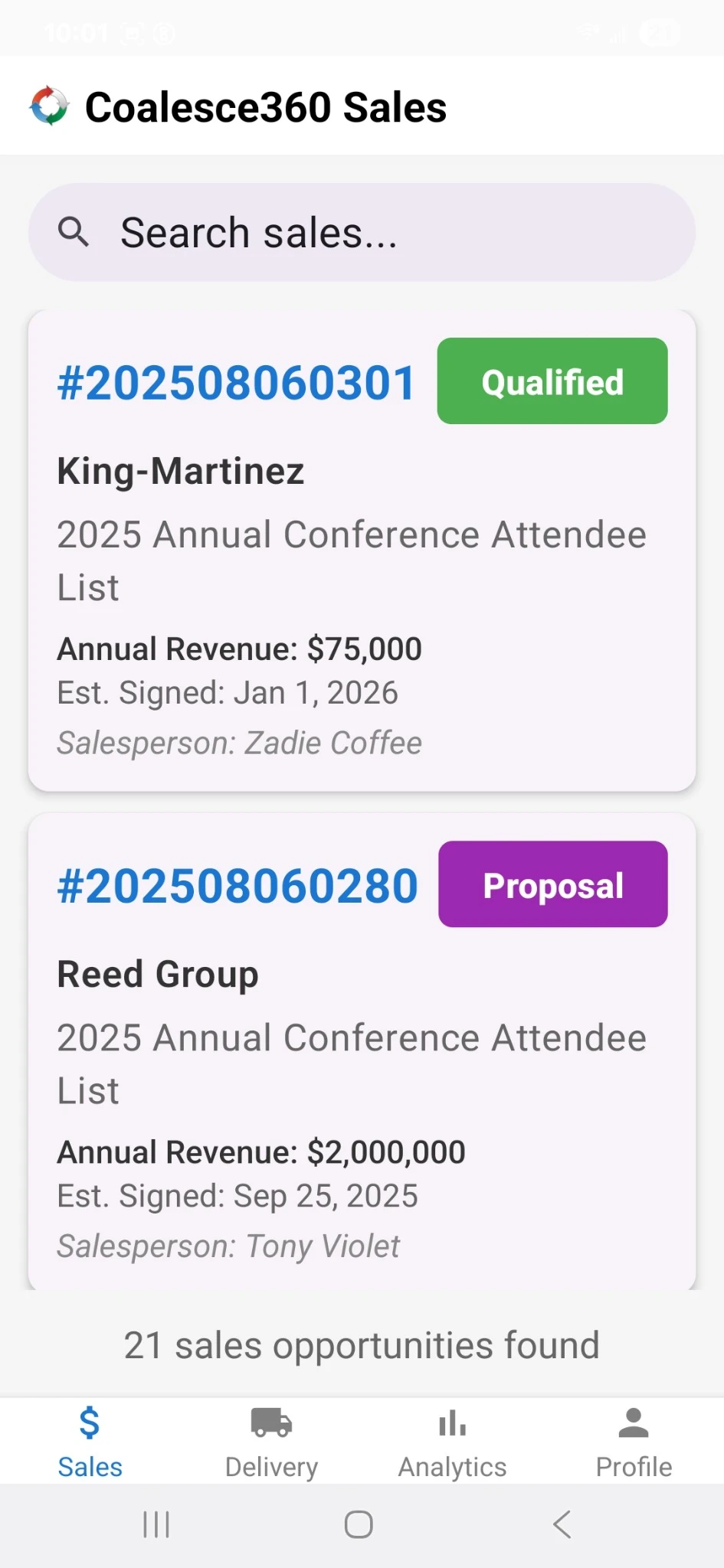
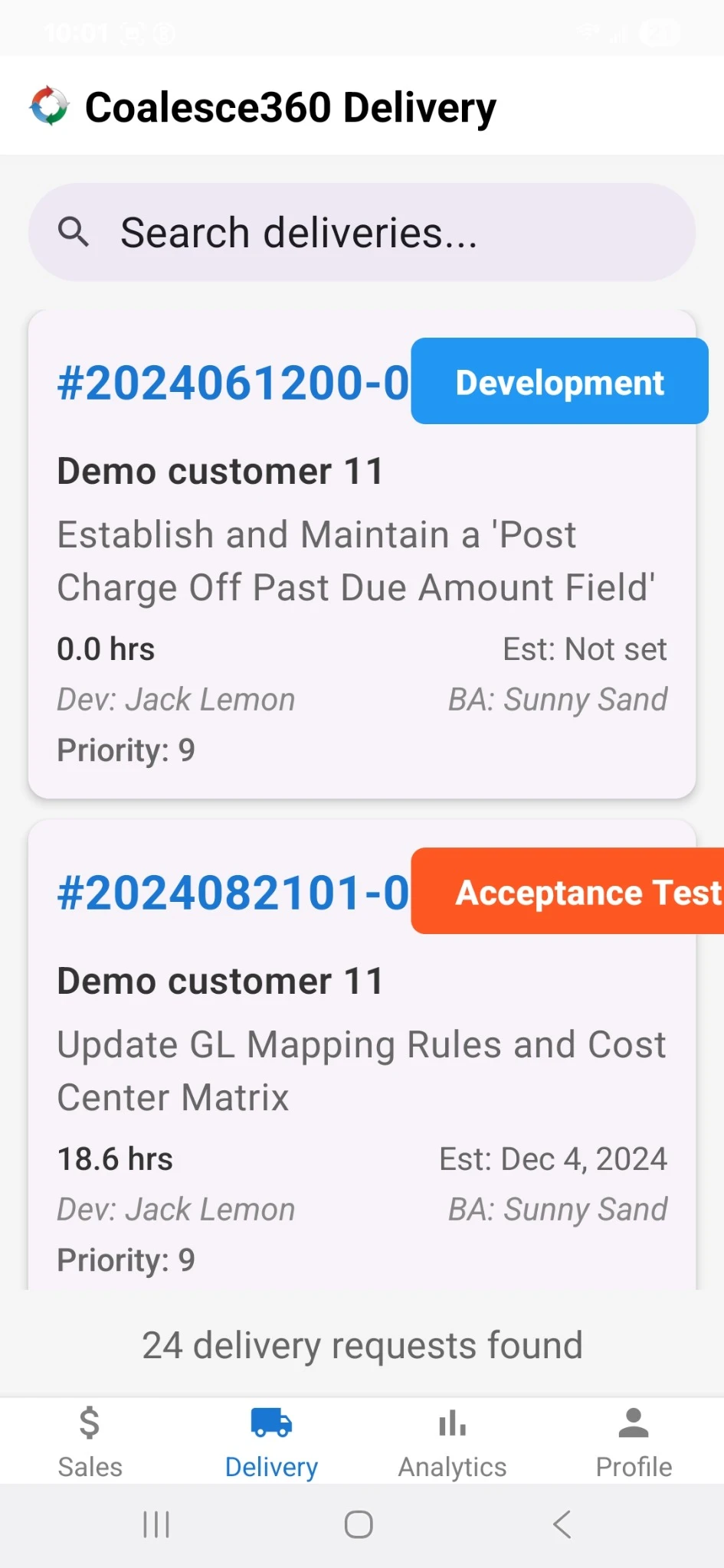
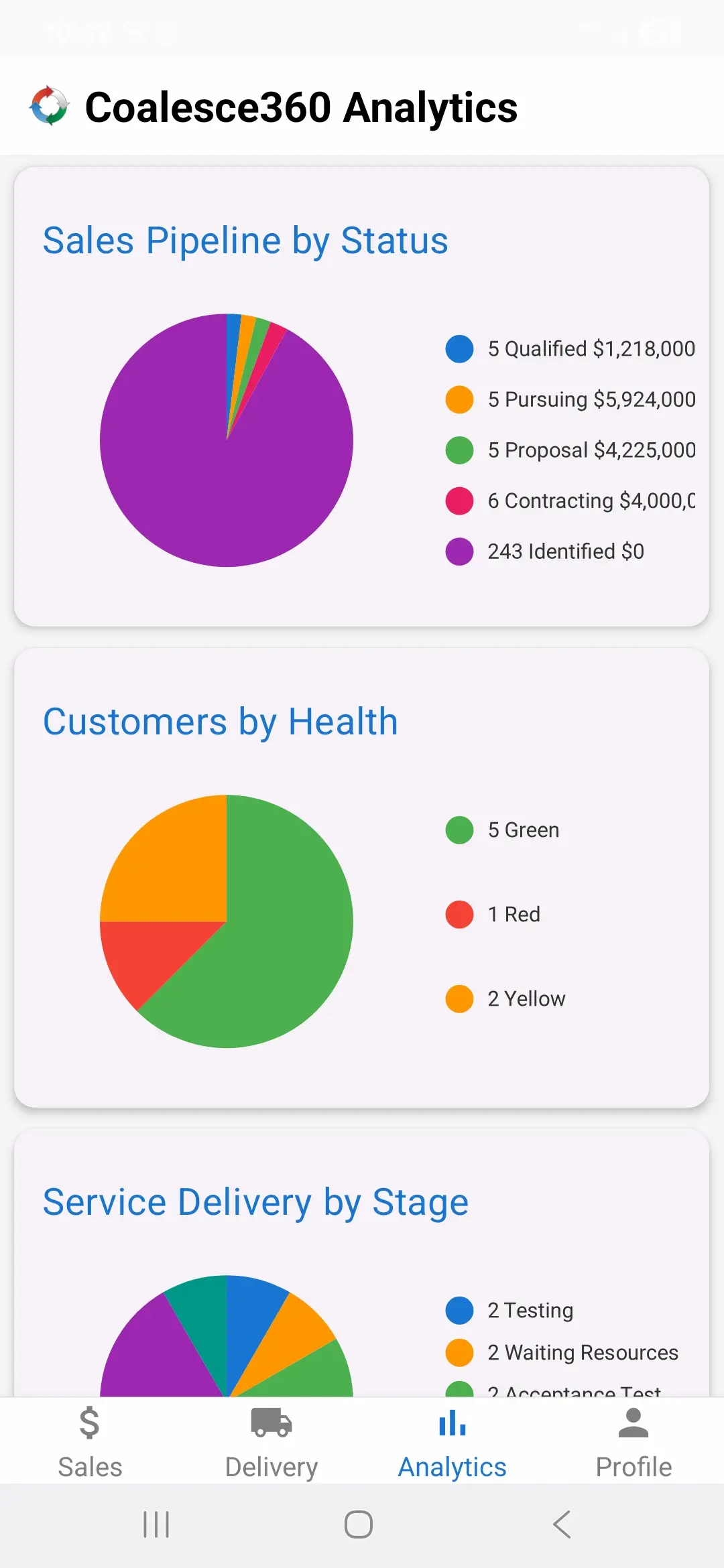
iOS and Android access for sales, delivery, analytics, and secure sign-in.
Why mobile access matters
Mobile access is most valuable when decisions, notes, updates, and approvals need to move quickly without losing governance.
Faster decisions
Approvers can review requests and move work forward without waiting to return to a desktop.
Better field access
Sales and delivery teams can review customer context, tasks, and status while traveling or working remotely.
Connected updates
Mobile actions stay tied to the same platform workflows, roles, and data.
What teams can do on mobile
The mobile app extends key Coalesce360 workflows to users who need access on the go.
Dashboard access
Review current activity, status, performance views, and operational summaries.
Sales follow-up
Check account context, pipeline details, notes, and next steps before or after customer conversations.
Delivery updates
Review assignments, milestones, tasks, blockers, and delivery status away from the desk.
Help ticket visibility
Stay aware of urgent tickets, open issues, priorities, and escalation needs.
Approval workflows
Review and act on operational approvals, including production-change or implementation-related requests.
Role-aware access
Mobile access follows the same security and role expectations as the platform.
Mobile email approvals vs Coalesce360 mobile workflows
The mobile app is meant to keep work moving without turning approvals into informal email chains.
| Need | Disconnected tools | Coalesce360 approach |
|---|---|---|
| Approvals | Decisions happen in email and get copied back later. | Approvals can stay tied to the workflow record. |
| Context | Users approve without seeing the full request or related work. | Users can review current details before acting. |
| Updates | Field updates are delayed until someone returns to a desktop. | Mobile updates can be captured closer to the work. |
| Governance | Mobile action may create side records. | Mobile activity remains part of the platform workflow. |
Who uses the Coalesce360 mobile app
The app is useful for people who need secure access to operational workflows outside the office.
- Sales leaders and account managers traveling between customer meetings.
- Delivery managers who need task and milestone visibility on the go.
- Support and operations leaders monitoring urgent work.
- Approvers who need to review time-sensitive requests.
- Executives who need dashboard visibility without logging into a desktop.
What mobile access improves
Mobile access helps teams respond faster while keeping work governed.
- Faster approvals and fewer stalled workflows.
- More timely notes, status updates, and follow-up.
- Better visibility for traveling or remote users.
- Less reliance on informal email approvals.
- A more connected experience across desktop and mobile.
Frequently Asked Questions
What is the Coalesce360 mobile app?
The Coalesce360 mobile app gives users secure access to selected platform workflows from iOS and Android devices.
Can the mobile app support approvals?
Yes. The mobile app can support approval workflows where users need to review and act on requests away from a desktop.
Is mobile activity connected to the desktop platform?
Yes. Mobile activity stays connected to the same Coalesce360 platform data and workflows.
Who should use the mobile app?
Sales leaders, delivery managers, support teams, approvers, operations leaders, and executives can benefit from mobile access.
Does mobile replace the desktop app?
No. Mobile complements the desktop experience by supporting on-the-go updates, visibility, and decisions.
Need work to move even when users are away from the desk?
Use the Coalesce360 mobile app to keep sales, delivery, support, dashboards, and approvals connected on iOS and Android.